 laMenu
Replace the paper menu with a live menu on a tablet
Dish photos, prices, descriptions and names in three languages. Change a price in the laCafe panel and every tablet in the hall updates itself. No POS, no local network.
Install the app and enter the code LAMENU to open the demo menu right away.
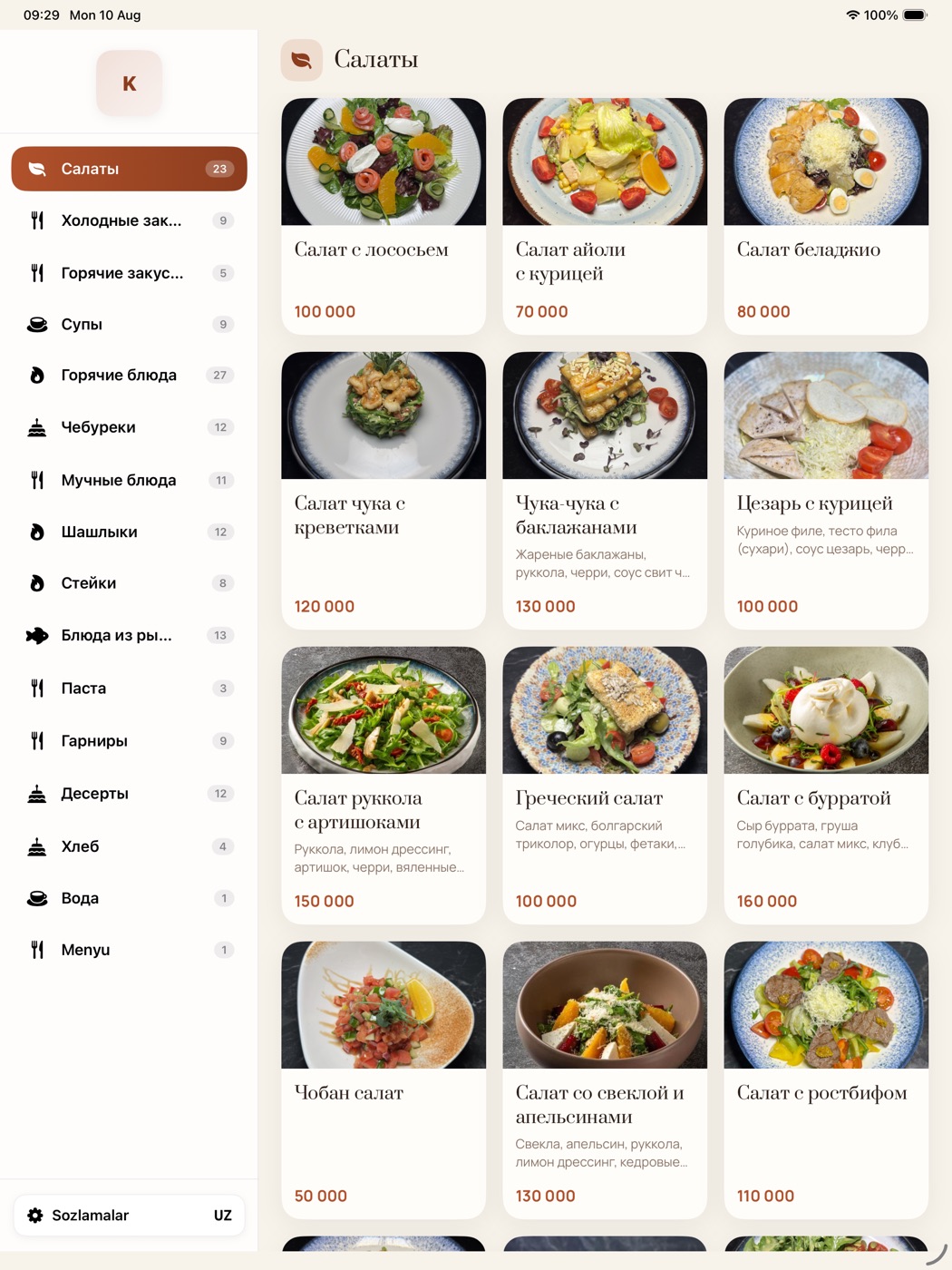
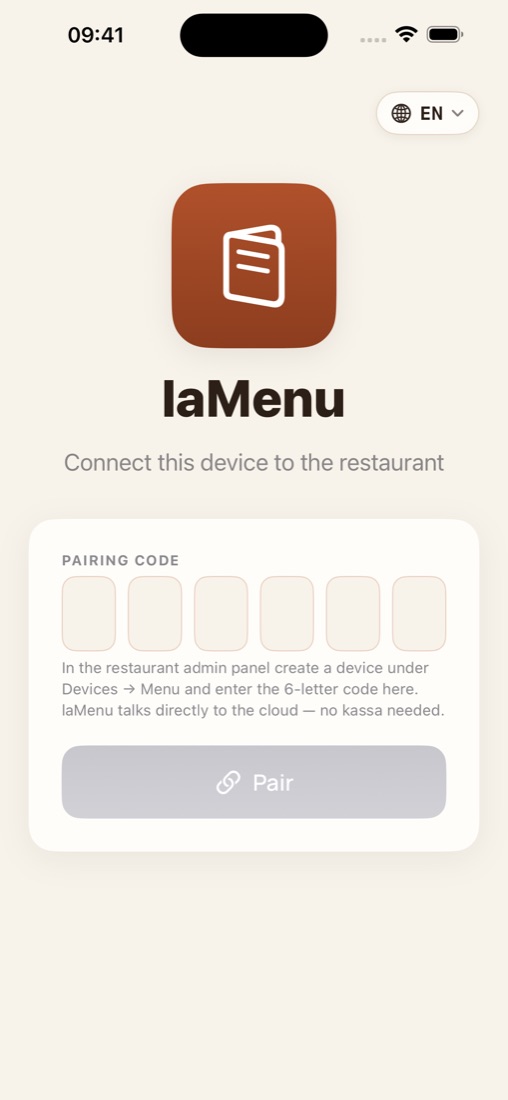
Demo menu, no sign-up
Install the app on a tablet or phone and enter the demo code. Or just open the menu site in your browser.
LAMENU
Guests browse and choose, the waiter takes the order
laMenu only displays: no cart, no payment. That makes it easy to launch: pair it today, use it tomorrow.
Photos, GIFs and video
Several photos, a GIF or a short video per dish. The video loops silently in the card, so guests choose with their eyes.
Change a price once
Edit in the laCafe panel and every tablet updates itself. No reprinting, no stickers.
Uzbek, Russian, English
Guests pick their language. Especially handy for hotels and tourist areas.
No POS, no LAN
The tablet talks to the cloud directly: Wi-Fi or a SIM is enough. No PC, no server, no setup.
iPad, iPhone, Android, browser
One menu on every device. Even an old tablet works, it only displays.
QR menu site
Guests scan the QR on the table and open the menu on their phone: restoran.lamenu.uz or your own domain.
Guests order with their eyes
A steaming bowl of lagman whets the appetite far more than the word on paper. Photos and video turn a menu from a list into a showcase.
Source: Grubhub, restaurant menu design guide (online ordering data).
Video beats a photo
The eye goes to motion first. That's why laMenu plays the dish video right in the card, silently, on a loop.
- Kebab sizzling on the coals, cheese pulling, a cocktail being poured
- Video plays only for dishes on screen, so the tablet stays cool
- Attach the video to a dish in the laCafe panel and it shows up on every device
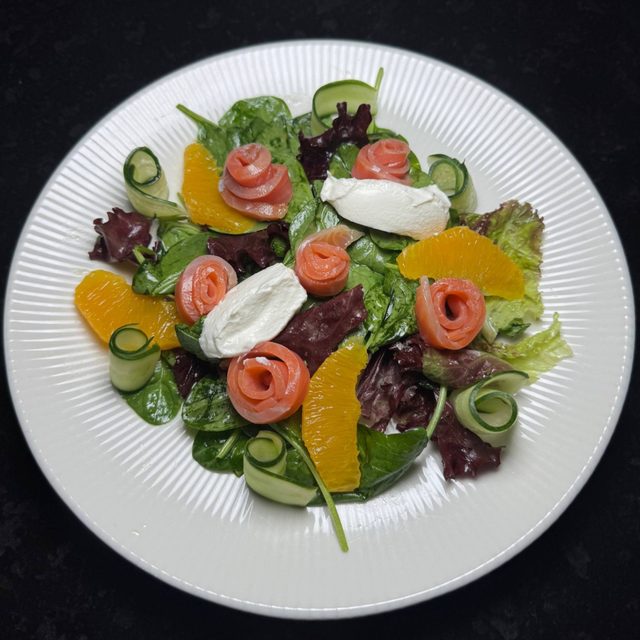 VIDEO
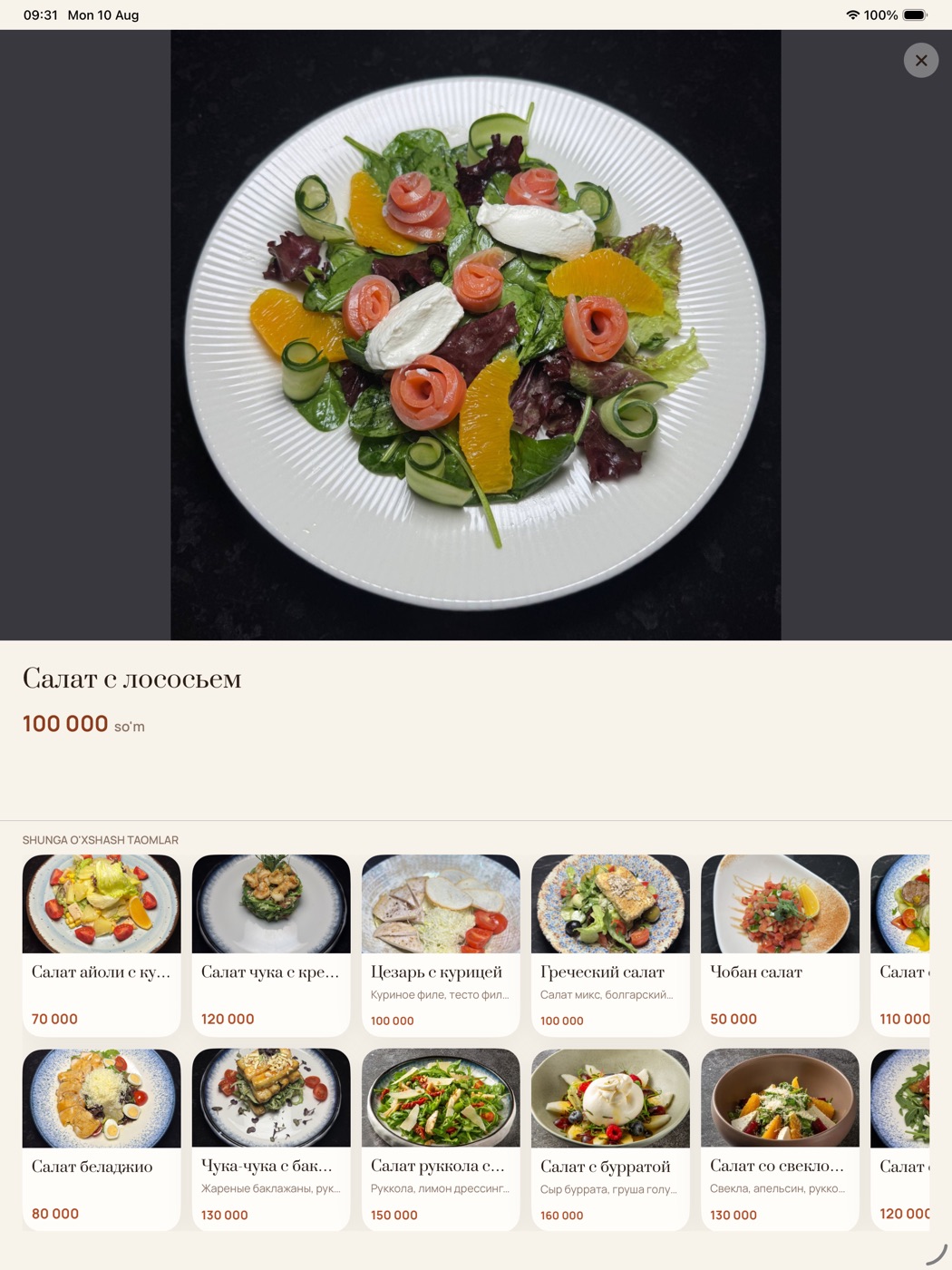
VIDEOA big photo, a clear price and similar dishes
- Sections in the side panel, one tap away
- Sold-out dishes are marked automatically
- Ingredients, portion, calories and add-ons
- Guests choose a 2, 3 or 4 column layout
- Your logo and background, your style
Works on any device
The app is free to download. To connect it to your restaurant menu you get a 6-letter code in the laCafe panel.
iPad va iPhone
The main choice for an iPad on the table. A compact layout on iPhone.
Android
For Android tablets and phones. Install from Google Play and get updates automatically.
Web browser
No install: the menu site opens on any phone or computer. The same site powers the QR code.
Install it in your restaurant
laMenu is sold in the laCafe app store. Once installed, the menu comes from your laCafe panel, so there is nothing to re-enter.
- Sign in to the laCafe panelNo account yet? Get connected at lacafe.uz.
- App store → laMenu → InstallThe app connects to your restaurant menu in one click.
- Pair a tabletIn laMenu → Tablets get a 6-letter code and enter it in the app.
Frequently asked questions
Can guests order from the tablet?
No, laMenu only shows the menu. The waiter takes the order, which is why no POS connection is needed.
Where do I fill in the menu?
In the laCafe panel menu: sections, dishes, photos, prices and translations. Changes reach the tablets within minutes.
What if the internet drops?
The app keeps showing the last loaded menu and refreshes itself once the connection is back.
How many tablets can I connect?
As many as you like. Each device pairs with its own code and its online status shows in the panel.
Can the menu site use my own domain?
Yes. Connect an address like menu.restoran.uz in the laMenu settings and verify it with a DNS TXT record.